
Controls for Joy-Con and Pro Controller
Compare horizontal Joy-Con and two-controller inputs, including the pause menu, Game Pad, Sticker Book and camera actions.
FAQ
Which layout is the manual describing?
What changes with two Joy-Cons or a Pro Controller?
Which layout is the manual describing?
The default horizontal Joy-Con mapping uses Right Button to interact or confirm, Bottom Button to jump or return, Top Button for the Game Pad and Left Button for the Sticker Book or map. SL changes the camera and SR uses it. Controller schemes can be configured in system settings, so identify the arrangement before assuming a label means A or X.
What changes with two Joy-Cons or a Pro Controller?
Use the left stick to move, A to interact or confirm, B to jump or return, X for the Game Pad and Y for the Sticker Book or map. L changes the camera and R uses it. These are the documented default mappings, not an instruction to overwrite a comfortable custom arrangement.
How do you open the pause menu?
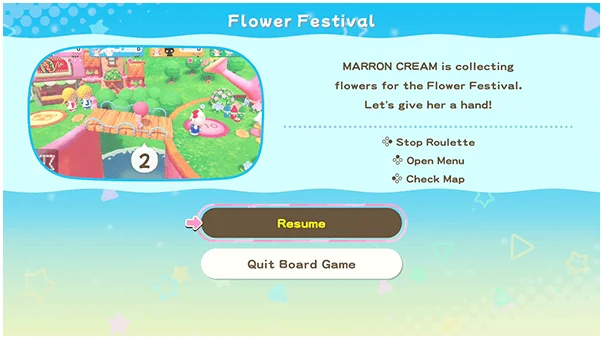
Hold plus or minus rather than giving it a quick tap. During a board game, the pause menu provides access to controls and rules and can end the game. The host controls pausing, so a guest who cannot open it should first check who is hosting instead of repeatedly pressing the button.
Related guides
Related Articles
activities
Board Games and Difficulty-Based Targets
Compare Blooming Flower Festival, Tropical Twilight and Sparkling Neon Night, including Medium-only delivery targets and how days end.
activities
Board Spaces and Route Planning
Recognize shop, challenge, item and map-specific spaces before risking your flowers, droplets or sparks on a detour.
activities
Melody Cake: How to Play Music and Use Catalogs
Create percussion and melody on cakes, connect matching patterns and organize music across four catalogs with sixteen cakes each.
Was this helpful?
Thanks for the feedback!